Hi. I am interested in mandarin dragonet. How long you had him for and how often you feed him. Also, what is your tank size. thank you so much for your time. Happy reefing.
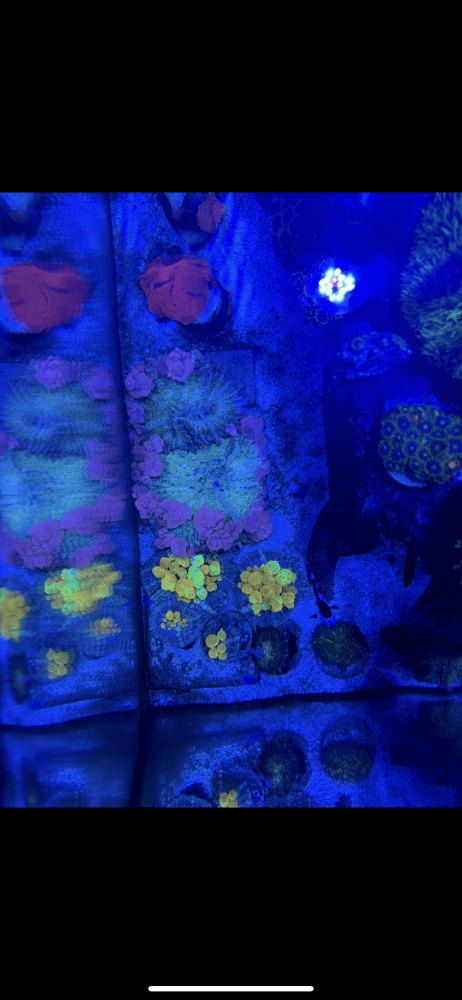
Hello. New to the community that was provided by my LFS. Looking to do some holiday fragging. Will have stylopora’s, candy canes, hammers and frogspawns. Any interest reply back. Location is Ridgewood, Queens 11385.
Still looking to trade for Apex equipment? Look at some of the corals I have sold over the last year and lets see if we can make a trade. I am on SI every weekday.